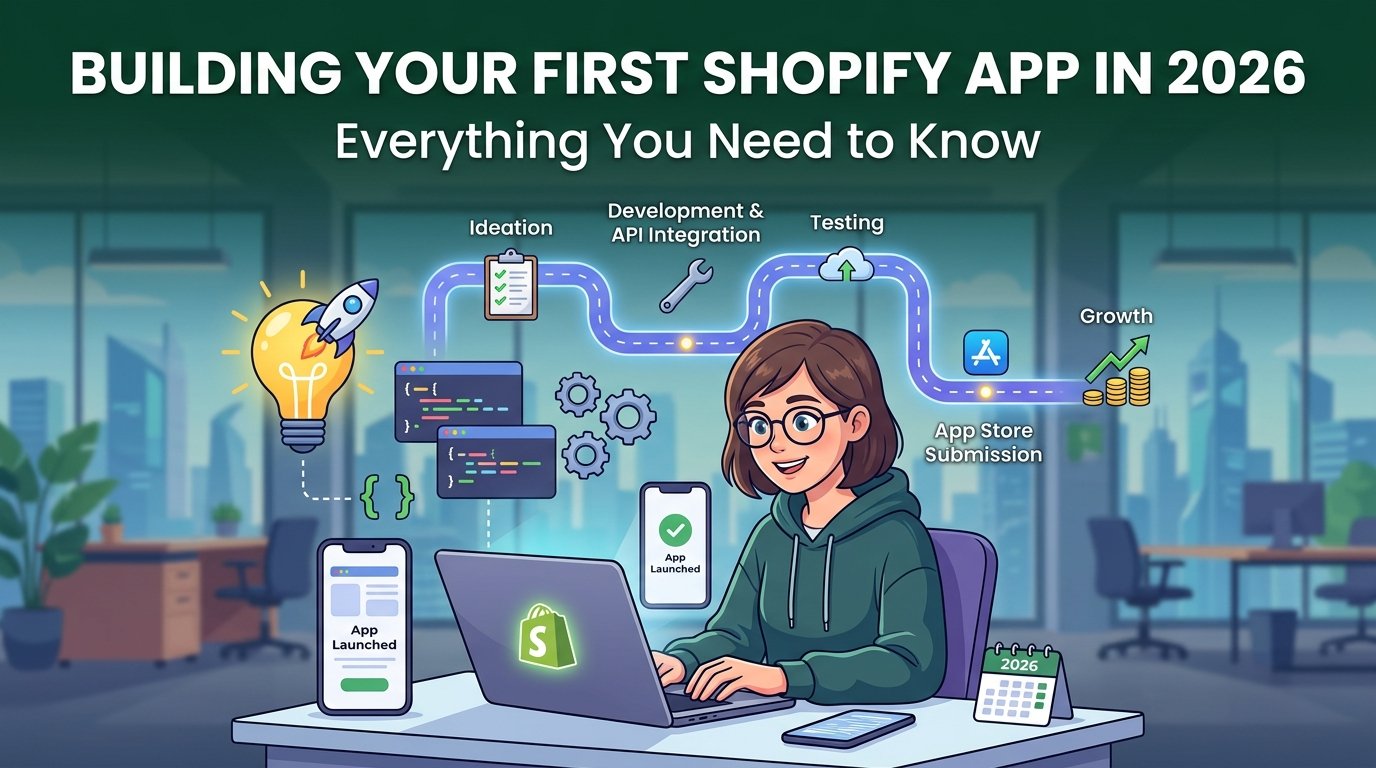
Why Shopify Apps Are a Great Business
The Shopify App Store has over 10,000 apps and generates significant revenue for developers. Merchants actively search for solutions to specific problems, and a well-positioned app can earn recurring subscription revenue from thousands of stores.
We have built several Shopify apps for clients, including our Arcade Shipping Calculator. Here is what the modern development experience looks like.
The Modern Shopify App Stack
Shopify has standardized on a specific set of technologies for app development:
- Remix — the recommended framework for embedded apps. Shopify created the
@shopify/apptemplate built on Remix. - Polaris — Shopify's React design system. Using Polaris makes your app look native to the Shopify admin.
- App Bridge — the JavaScript library that connects your embedded app to the Shopify admin interface.
- Shopify CLI — the command-line tool for scaffolding, development, and deployment.
npx @shopify/create-app@latest my-shopify-app
cd my-shopify-app
npm run dev
The CLI handles OAuth setup, tunnel creation for development, and app registration automatically.
Types of Shopify Apps
Embedded apps live inside the Shopify admin. The merchant never leaves Shopify — your app renders within an iframe using App Bridge. This is the standard for admin tools.
Theme app extensions add blocks to merchant storefronts without modifying theme code. This is the modern, upgrade-safe way to add storefront functionality.
Web pixel extensions track storefront events for analytics and marketing.
Shopify Functions let you customize Shopify's backend logic — discounts, shipping rates, payment customization — with WebAssembly-compiled code that runs on Shopify's infrastructure.
Handling Billing
Shopify provides a built-in billing API that charges merchants through their Shopify subscription. This is significant: merchants trust and are familiar with Shopify billing, and you avoid building payment infrastructure.
// Create a recurring charge
const charge = await shopify.api.billing.request({
  session,
  plan: {
    chargeName: "Premium Plan",
    amount: 19.99,
    currencyCode: "USD",
    interval: BillingInterval.Every30Days,
  },
  isTest: process.env.NODE_ENV !== "production",
});
Key Pitfalls to Avoid
- Rate limits: Shopify's REST API has rate limits. Use the GraphQL API where possible — it uses a cost-based system that is more predictable and generous.
- Webhooks reliability: Webhooks can fail. Implement idempotent webhook handlers and use Shopify's mandatory webhooks for GDPR compliance (customer data request, customer redact, shop redact).
- Multi-store architecture: Your app will serve many stores. Every database record and API call must be scoped to the correct shop. Use the shop domain or myshopify domain as the tenant identifier.
- App review: Shopify's review process is thorough. Performance requirements are strict — your app's pages must load in under 3 seconds.
Getting Into the App Store
Shopify reviews every app before it is listed. The review focuses on: functionality (does it do what it claims), performance (load times), security (data handling, OAuth), and UX (Polaris compliance, mobile responsiveness).
Plan for 1–3 weeks for initial review, and ensure your app is thoroughly tested before submission.