Introduction
When Next.js 13 introduced the App Router, it fundamentally changed how React applications are structured. Now that it has been stable for well over a year, the question every team faces is: should you migrate, and is it worth it for new projects?
At LogicsArcade, we have shipped production apps with both routers. Here is what we have learned.
The Core Difference
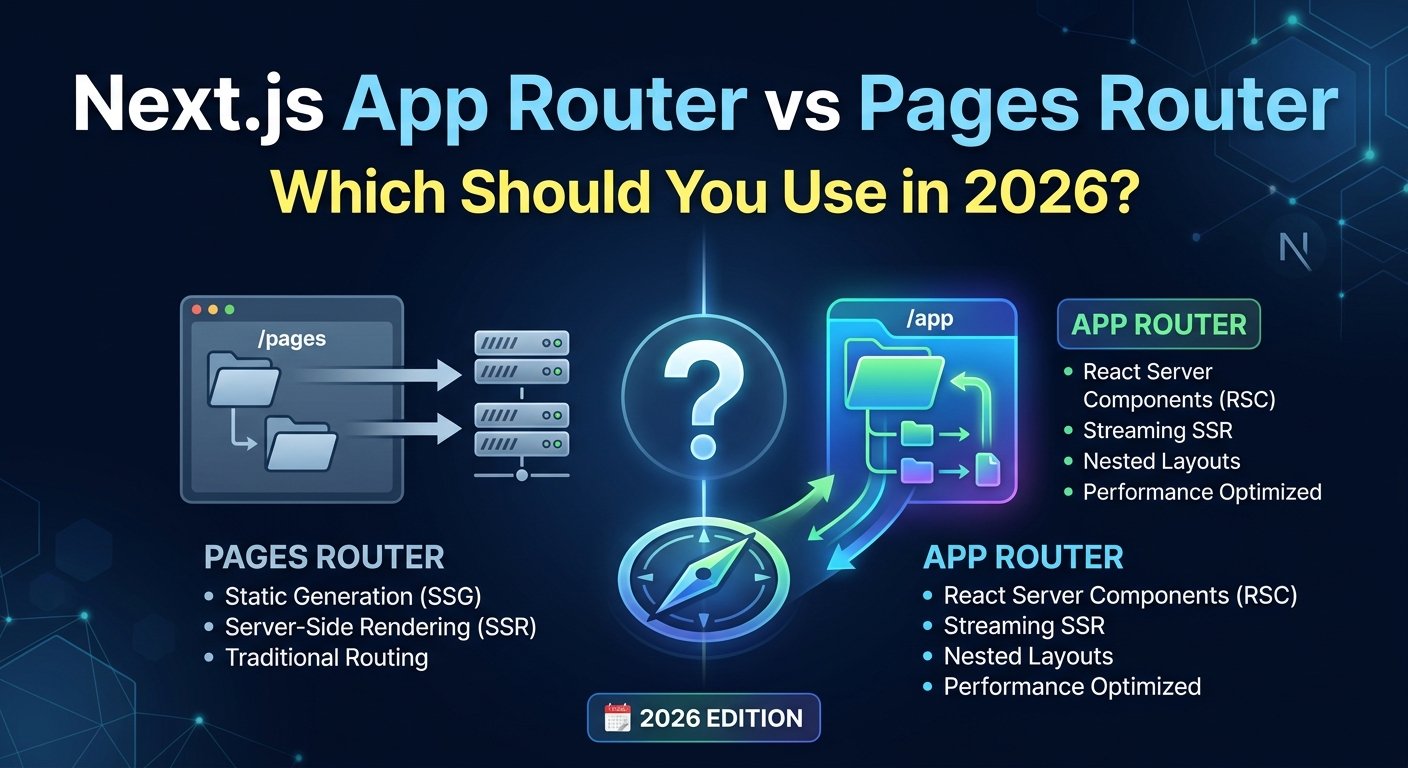
The biggest shift is the rendering model. The Pages Router uses a hybrid approach where you opt into server-side rendering per page using getServerSideProps or getStaticProps. The App Router flips this default: everything is a Server Component by default, and you opt into client-side rendering with the "use client" directive.
// Pages Router — you opt IN to server rendering
export async function getServerSideProps() {
  const data = await fetchData();
  return { props: { data } };
}

// App Router — server rendering is the DEFAULT
export default async function Page() {
  const data = await fetchData(); // runs on server
  return <div>{data}</div>;
}
Performance: What the Numbers Say
Server Components eliminate JavaScript from the client bundle for components that do not need interactivity. In a typical SaaS dashboard we built, moving to App Router reduced the initial JS bundle by 38%. Time to First Byte improved because data fetching happens on the server, closer to the database.
However, App Router has more complex caching behavior. The four cache layers (Request Memoization, Data Cache, Full Route Cache, Router Cache) require a solid mental model to avoid stale data bugs.
Developer Experience
The App Router is more powerful but also more complex:
- Layouts are first-class and composable — a genuine improvement over Pages Router.
- Nested routing is more intuitive with folder-based structure.
- Server Actions simplify form handling without needing API routes for simple mutations.
- Learning curve is steeper. Understanding when to use
"use client", how to pass server data to client components, and how caching works takes time.
When to Use App Router
- New projects — it is the future of Next.js and where all new features land.
- Content-heavy sites where SEO and performance are critical.
- Apps with complex nested layouts.
- Teams willing to invest time in understanding the new model.
When Pages Router Still Makes Sense
- Migrating large existing codebases — the cost may not justify the benefit yet.
- Teams with strong Pages Router expertise shipping under time pressure.
- Projects using libraries that have not fully adopted Server Component compatibility.
Our Recommendation
For all new projects at LogicsArcade, we default to the App Router. The performance benefits are real, Server Actions clean up a lot of boilerplate, and it is clearly where Next.js investment is going. For existing projects, we do targeted migrations — moving the most performance-critical pages first rather than rewriting everything at once.
The Pages Router is not going anywhere. Next.js maintains it and will continue to do so. But if you are starting fresh today, App Router is the right choice.