Why This Comparison Matters
Choosing a backend-as-a-service is one of the most consequential early decisions in a SaaS project. Migrating later is painful and expensive. We have built on both Firebase and Supabase in production, so this is based on real experience, not documentation reading.
The Core Difference
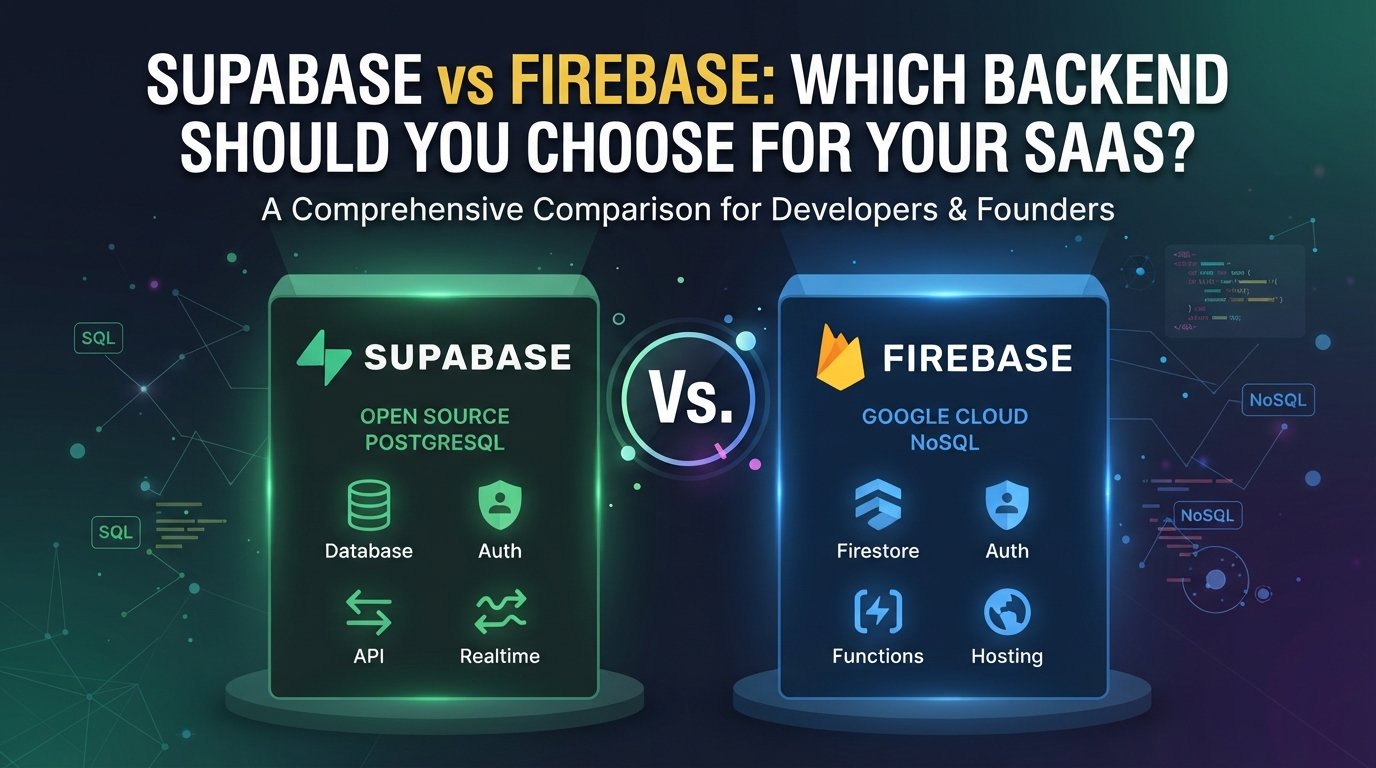
Firebase is a NoSQL document database (Firestore) paired with a comprehensive suite of services: Auth, Storage, Cloud Functions, Hosting, Analytics, and more. It is a Google product with a long track record.
Supabase is built on PostgreSQL and positions itself as an open-source Firebase alternative. It includes Auth, Storage, Edge Functions, and Realtime — but the database is a real relational database with SQL, indexes, foreign keys, and the full power of Postgres.
Database: The Biggest Factor
This is where the choice becomes clear for most SaaS products.
Firestore's NoSQL model works well for simple, document-shaped data. But SaaS products almost always end up with relational data — users have organizations, organizations have subscriptions, subscriptions have invoices. Modeling this in Firestore leads to duplication, complex denormalization, or expensive reads.
Supabase gives you PostgreSQL. JOINs, transactions, constraints, views, stored procedures — everything that makes relational databases powerful for business data. For SaaS applications, this is almost always the right choice.
-- Supabase: a clean relational query
select
  u.email,
  o.name as org_name,
  s.plan,
  count(i.id) as invoice_count
from users u
join org_members om on om.user_id = u.id
join organizations o on o.id = om.org_id
join subscriptions s on s.org_id = o.id
left join invoices i on i.subscription_id = s.id
group by u.email, o.name, s.plan;
Achieving the same in Firestore requires multiple queries and client-side joining.
Pricing
Firebase pricing is usage-based and can surprise you as you scale. Firestore charges per read, write, and delete — in a real-time app with frequent updates, costs can grow quickly and unpredictably.
Supabase uses a compute-based pricing model on paid plans. For most SaaS products in the early-to-mid growth stage, Supabase is significantly cheaper. The free tier is also more generous for development.
Auth
Both provide solid authentication. Firebase Auth has a slight edge in social provider breadth and mobile SDKs. Supabase Auth has caught up significantly and handles the important providers (Google, GitHub, email/password, magic link, phone OTP).
Supabase's Row Level Security model, where auth policies live at the database level, is architecturally cleaner for multi-tenant SaaS.
When to Choose Firebase
- Realtime-first apps (collaborative tools, live games) where Firestore's realtime model fits naturally.
- Mobile-first apps with heavy use of Firebase ecosystem (Analytics, Crashlytics, Push Notifications).
- Teams already deep in the Google Cloud ecosystem.
When to Choose Supabase
- SaaS products with relational data — almost every B2B product.
- Teams comfortable with SQL (most backend developers are).
- Cost-sensitive early-stage startups.
- Products where data integrity and constraints matter.
- Open-source preference (you can self-host Supabase).
Our Default
At LogicsArcade, Supabase is our default for new SaaS projects. The combination of PostgreSQL, built-in auth with RLS, and competitive pricing is hard to beat. We recommend Firebase primarily for mobile-first consumer apps where the broader Firebase ecosystem provides value.